tfiddlerart
patreon
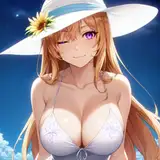
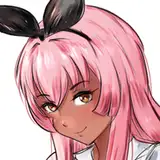
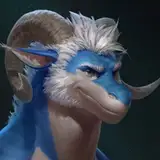
Hey guys! So here's a follow up to the last post with the video tutorial on how to do the colourful highlights. I've made some slides that have the process written down, in case you prefer that over the video. (Also included what the bust looks like once painted as the first picture)
Also, because I'd gotten a few followups about the technique on other apps that don't have the chromatic aberration option available, I've also put in a slide that shows an alternate way to get a very similar look, using different coloured overlay layers, which have then been offset individually. I'd imagine if you play around with the brightness or opacity of the layers, you could end up with a very similar look, it would just depend on how much you want to play around with it! So yeah, experiment and have fun!!
Hope this helps a bit! Thanks again, and Enjoy! 😊👍


Yup! Good eye there 😆 And no worries!
are you using the sharpen and noise effect on the final image? Thanks for the tutorial by the way I've been trying to recreate this effect on my own :)
Thanks you
Thank you, Mr. Taran
Thanks Tarn!!